Prompt engineering for cinematic shots
What our shot planner actually does — semantic beats, style guides, reference images — and where prompts still leak through.
There's a real prompt-engineering layer in VidFlow between your script and the image model. There's also a legacy direct-passthrough path. This post is about what the planner actually does, where it leaks, and what you can do about it.
The planner
src/services/timeline/shot-planner.ts is the entry point. It takes the timestamped script (chapters + word-level timestamps from Alignment) and decomposes it into semantic beats — HOOK, CLAIM, EXAMPLE, TURN, RESOLUTION, EVIDENCE, CONTRADICTION — each backed by a contiguous range of script text. Each beat is then expanded into one or more shots. A Shot row carries an assignedLocationId, a visualRefs JSON (character IDs in the shot), and a promptSpec JSON with the imagePrompt, motionPrompt, negativePrompt, seed, and reference URLs.
The prompt builder
src/services/image-prompt/builder.ts is the heavyweight piece. It assembles the final prompt from:
- The shot's semantic role — a HOOK shot prompts differently from a RESOLUTION shot. More energy, faster motion, harder cuts.
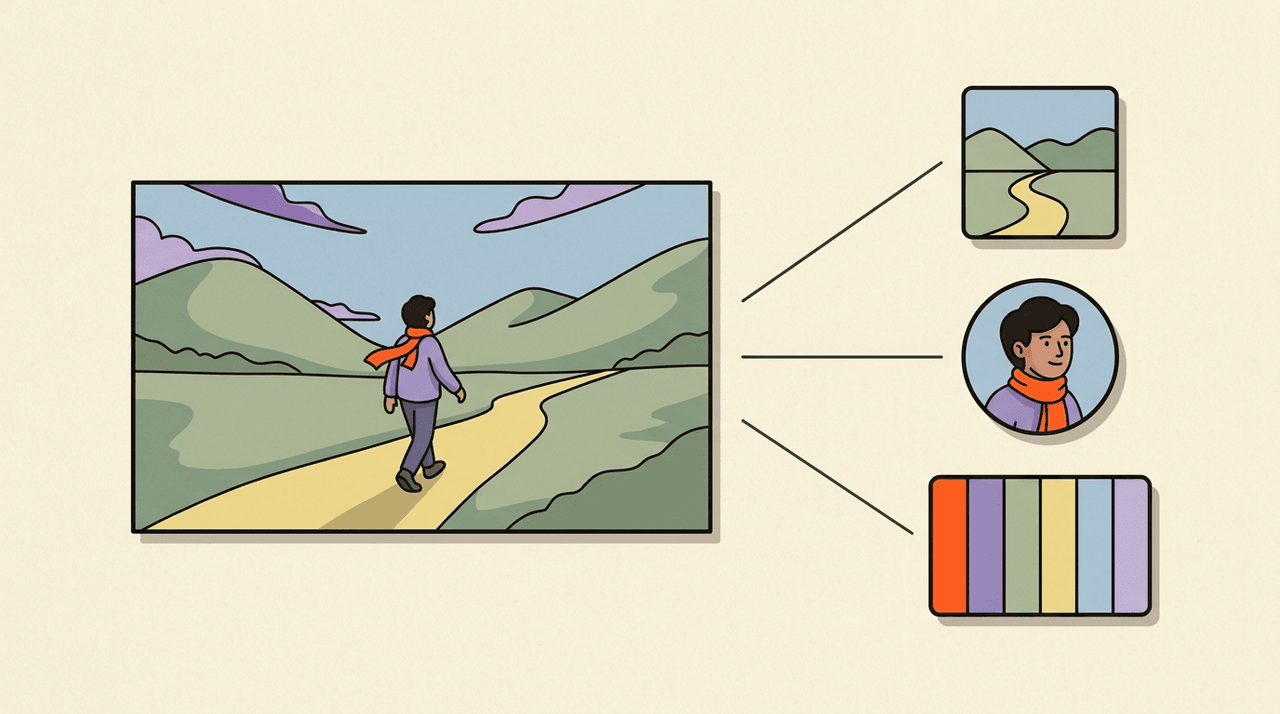
- The Visual Bible's style guide — palette, composition rules, lighting notes, applied as soft constraints in the prompt.
- The location reference — URL pulled from the assigned
VisualBibleLocationrow. - The character references — URLs pulled from
VisualBibleCharacterrows named invisualRefs, plus the combined character sheet if more than one character is in frame. - Hard constraints — negative prompt items the project always rejects, usually 'text', 'watermark', 'logo', plus project-specific rules added by the creator.
Scene variation
src/services/image-prompt/scene-variation/ generates structured presets — camera angles, lighting moods, composition shapes — that get rotated across shots in the same scene to avoid visual monotony. If a chapter has five shots in the same kitchen, the planner asks for five different angles of the kitchen rather than five identical ones.
What gets passed to the image model
The final payload is what our image model actually sees: a prompt string, reference image URLs, optional seed, optional negative prompt. The model can interpret reference images directly — that's how character consistency holds. If you've ever wondered why your protagonist looks the same in shot 4 and shot 47, it's because the same portraitUrl is in both prompts.
Where it leaks
There's a legacy passthrough path used by Quick mode (/try/quick-mode and the simplified setup flow) that doesn't run the full planner. It generates scene descriptions directly from the script with a thinner prompt template, no semantic beats, no scene-variation rotation. The result is faster but visually flatter. Quick mode is meant as a 5-minute taste of the product, not the full director's chair — the workspace flow runs the full planner.
What you can tune
Three knobs, in increasing order of impact:
- Negative prompt items, added per project. The fastest win — if a model keeps generating something you don't want, add it to the negative list and it's gone.
- Style guide JSON in the Visual Bible. Palette and composition rules apply as soft constraints across every shot. Editing the style guide doesn't regenerate old shots, but new shots inherit it immediately.
- Per-shot prompt overrides in the review stage. You can edit an individual shot's prompt before regenerating it. This is the surgical knob — use it for one stubborn shot rather than rerunning the whole bible.
What you can't tune
The semantic-beat decomposition is internal — you can't tell the planner that chapter 3 needs a different rhythm. We'd like to expose this; it's a real product gap. Today, if the planner reads chapter 3 as five CLAIM beats and you wanted three CLAIM + two CONTRADICTION, your only path is to edit the script text to make the contradiction explicit and rerun shot planning.
Where the video model fits
Once an image lands for a shot (via the image-prompt builder), our video model takes the image plus a motion prompt (also in promptSpec) and produces a video clip. The motion prompt is a separate field because video models interpret motion language differently — 'slow zoom in on character's eyes' is a different prompt shape than the still composition. The image-before-video order is a hard precondition; the new BullMQ worker enforces it.
The planner does real work. It doesn't do everything. Where it doesn't, the override paths exist — use them.